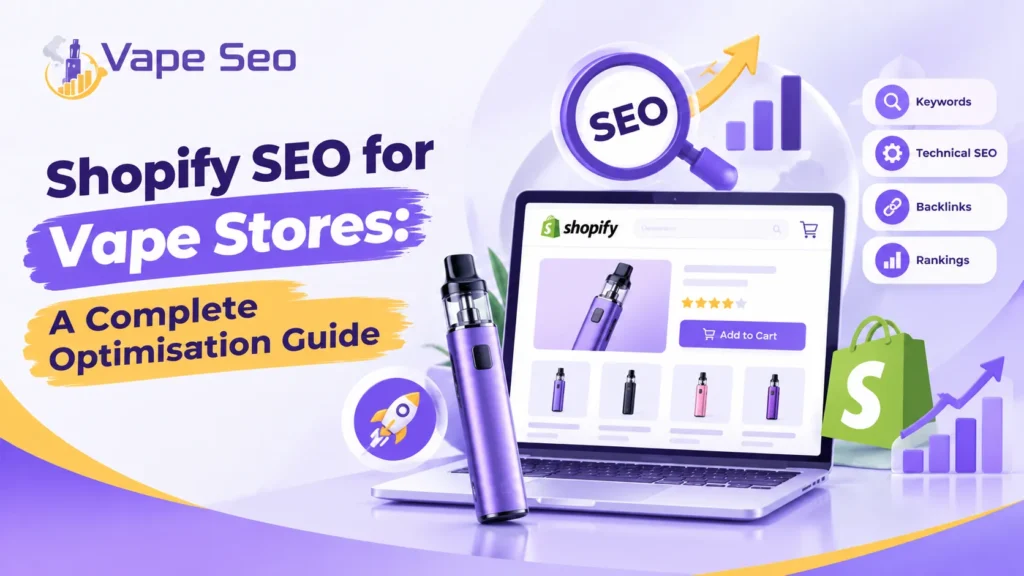
Shopify SEO for vape stores means optimising your product pages, collections and technical settings so Google can find and rank them. But before you invest time in it, check one thing: whether Shopify still allows your products.
In June 2026, Shopify told merchants to remove vape products. This guide explains what that means and shows the key steps of Shopify SEO optimisation for any store that is still allowed to sell. It is SEO and business information, not legal advice.
Can Vape Stores Still Use Shopify?
Shopify told merchants on 24 June 2026 to remove vape products by 8 July 2026, or risk suspension or termination. Reuters reported that the policy covers all vape products, and a spokesperson for the California Attorney General said it applies globally. Shopify has not explained how it applies country by country, and we could not find a clear public statement for UK stores.
So ask Shopify support in writing whether your store is covered, and keep the answer. Until you have it, treat your Shopify store as at risk and keep a backup plan.
Shopify SEO for Vape Stores: What to Optimise
If your Shopify store is permitted to sell, these are the areas that matter most. They apply to most Shopify SEO for eCommerce stores, with vape-specific care added.
Shopify Product Page SEO
Write a clear title, an original description and accurate specifications for each product. Do not paste the manufacturer’s text, because many other sites use the same words. Our guide to vape product page SEO covers what a strong page needs. Remove any page for disposable vapes, which have been banned in the UK since 1 June 2025.
Shopify Collection Page Optimisation
Give each collection one clear topic and one main keyword, such as “Refillable Pod Kits”. Add a short, original introduction that explains the category and helps shoppers choose. Do not create two collections for the same topic, because they will compete with each other.
Fix Duplicate Product URLs
Shopify can show the same product at two addresses: /products/product-name and /collections/collection-name/products/product-name. Most Shopify themes point the collection version to the main one with a canonical tag, which helps. But Google can still crawl and index the extra versions.
The common fix is to edit your theme so collection pages link to the main /products/ address. Ask a developer to do this, and test it after the change.
Work Around the Fixed URL Structure
Shopify forces /products/ and /collections/ into your web addresses, and you cannot build sub-collections inside collections. So show your structure in other ways: clear menus, breadcrumbs and strong internal links from parent categories to their children.
Robots.txt and Sitemap
Shopify makes your sitemap automatically, so submit it in Google Search Console. You can also customise robots.txt through a robots.txt.liquid file in your theme. Be careful here. Robots.txt, noindex tags and canonical tags do different jobs, and mixing them up can remove good pages from Google.
Shopify Technical SEO Audit Checklist
Check these points every quarter:
- Are your main pages indexed in Search Console?
- Do collection pages link to the main /products/ addresses?
- Is robots.txt.liquid blocking anything by mistake?
- Are page speed and mobile layout good, and has an app slowed them?
- Does your age gate sit on top of a full page? Our guide to age verification SEO explains how to test it.
- Are old product and disposable pages redirected or removed?
SEO Rules for Vape Stores on Shopify
Keep these rules on your Shopify store, and on any platform you move to:
- Make your age gate crawl-friendly.
- Keep wording factual, because a wider advertising ban is planned from 1 June 2027.
- Remove banned products and update pages when prices or stamp rules change.
- Move carefully if you switch platforms, with a one-to-one 301 redirect map.
Our guide on how to optimise a vape product for SEO covers page structure and markup.
How Vape SEO Helps Vape Stores on Shopify
We are a specialist vape SEO agency, so we know both the SEO side and the vape rules. We run Shopify technical SEO audits, fix duplicate URL and indexing problems, improve product and collection pages, plan safe platform moves that protect your rankings, and write compliant content.
Plans start at £500 per month, with no long-term lock-ins. See our vape SEO services for the details.
Final Thoughts
Shopify SEO for vape stores only makes sense if Shopify allows your products. Check your position first, fix the basics if you are covered, and keep a backup plan ready in case you are not.
Not sure where your store stands? Request a free SEO audit and we will review your platform, your pages and your risks.
FAQs
Can you sell vapes on Shopify?
Shopify told merchants to remove vape products by 8 July 2026, and reports say the policy is global. We found no clear UK-specific statement, so ask Shopify support in writing and keep a backup plan.
Is Shopify good for vape store SEO?
Shopify handles many basics, such as an automatic sitemap, editable titles and canonical tags. But it has limits, like a fixed URL structure and duplicate product addresses. It only helps if Shopify allows your products.
How do I fix duplicate product URLs on Shopify?
Most themes use a canonical tag to point collection addresses to the main /products/ address. To go further, edit your theme so collection pages link straight to the /products/ address, and test the change.
Can I edit robots.txt on Shopify?
Yes. You can customise it with a robots.txt.liquid file in your theme. Use it carefully, because robots.txt, noindex and canonical tags do different jobs.
What should I do if Shopify removes my vape products?
Plan a move before it happens. Export your product and URL list, choose a platform that allows your products, check your payment provider first and build a one-to-one 301 redirect map to protect your rankings.